
KINGAI OS Desktop
0.1.0-dev · amd64
Catalog SHA-256
3a53c03566a1d72595a5340bdeb3eeec815342ee032fac8e2d4a4a1f9cf1643dDESKTOP · SERVER · EDGE · AI WORKSTATION
KDE-based developer preview for everyday computing, development, and optional user-selected AI tools. Test in a VM first.
Release status: developer-preview
Architecture target: amd64
Personal computing, developers and optional local AI tools
0.1.0-dev · amd64
Catalog SHA-256
3a53c03566a1d72595a5340bdeb3eeec815342ee032fac8e2d4a4a1f9cf1643d
Version 0.1.0-dev, published October 6, 2026, amd64, with the KDE Plasma 6 desktop. It is a developer preview and is not certified for a primary workstation, so keep your daily machine as it is and test this in a VM.
The ISO is 2,139,549,696 bytes (about 1.99 GiB). GitHub's release record shows 42 downloads as of October 29, 2026.
SHA-256
3a53c03566a1d72595a5340bdeb3eeec815342ee032fac8e2d4a4a1f9cf1643d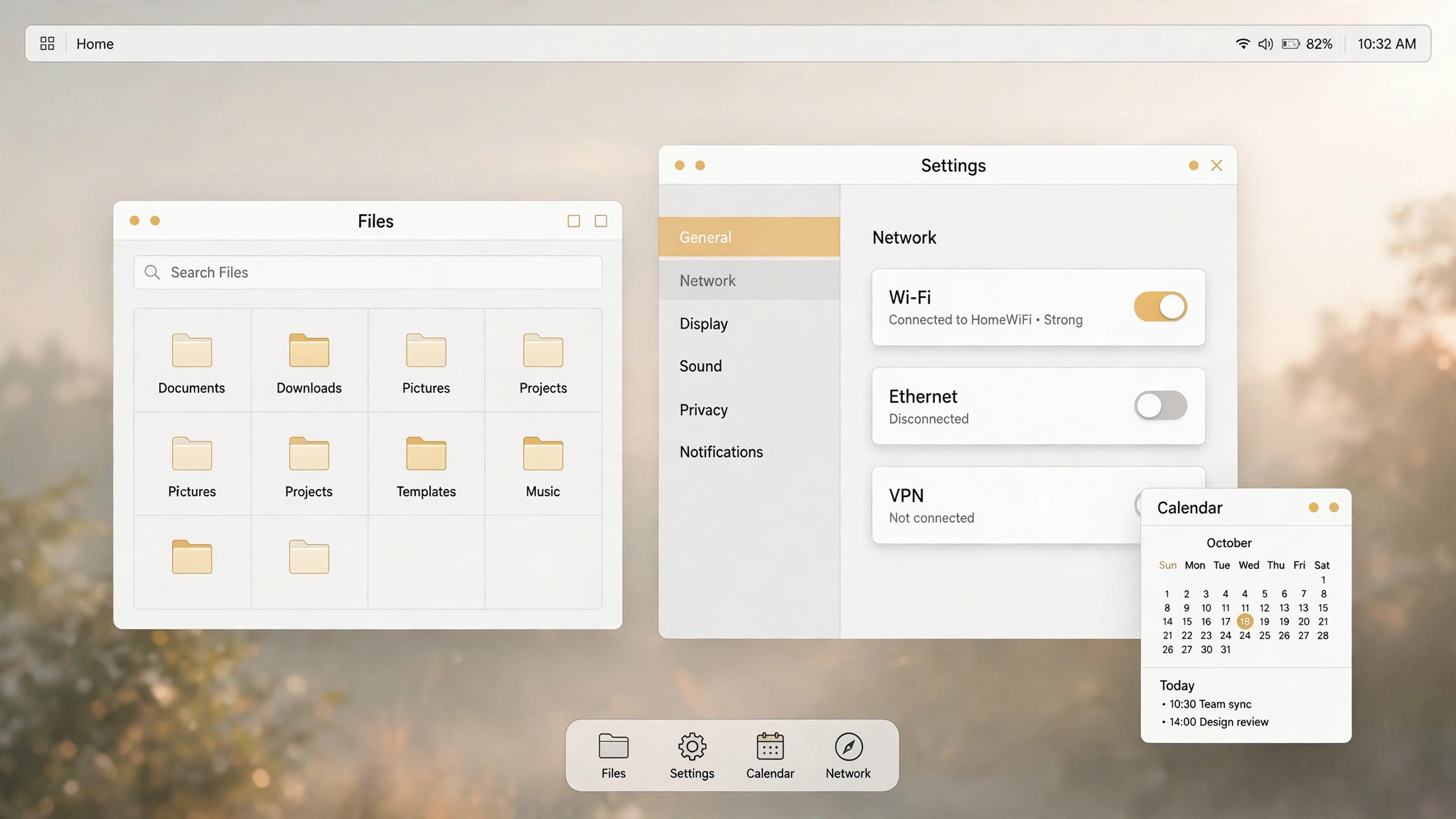
Desktop is the edition closest to everyday use: install it and you have a working Linux desktop for office tasks, browsing and development. The product tagline is blunt about the deal — Your Linux. Your rules. AI-ready when you choose. In practice that means three things. No KINGAI account is required to install or use it. AI tools are yours to install or skip; nothing is preinstalled and nothing picks for you. Your data stays on the machine, and the preview bundles no KINGAI agent and no model.
It also shares one Linux base with the other three editions. The editions differ through their profiles — which packages, which defaults, desktop or services, how far driver support goes — not through four separately forked codebases. A fix in the shared base lands everywhere at once, and no edition quietly rots on its own branch. On the upstream question, the product documents name Debian 13 as the recommended candidate, while stating plainly that the actual upstream of 0.1.0-dev has not been verified from the published files. This page repeats that as written.
The release description for the preview is a KDE Plasma 6 desktop with general-purpose Linux applications. If you have never used KDE, expect familiar desktop habits: a bottom panel, an application menu, tiling windows, virtual desktops and full keyboard shortcuts. For the exact application set, trust the release notes and what you see in the VM over any list this page could print.
Installing and using the system never asks you to register a KINGAI account, and no companion cloud service is waiting for you to sign in. If KINGAI.WORK services ever integrate, they will be separately authorized options, not cargo inside the system image.
The preview preinstalls no KINGAI agent and no model. If you want local models, you pick the tooling and manage model sources and licenses yourself. If you do not, it is simply a clean desktop with nothing idling in the background waiting to be summoned.
The ISO ships with a matching .sha256 file on the same release page. Run sha256sum -c in the download folder before you mount anything. One boundary the publisher states in its own docs, repeated here: a matching hash proves the bytes are unchanged. It is not a code signature, and it does not prove the build environment was trustworthy.
The uncomfortable part, up front. Install certification has not passed: an unattended-install experiment completed partitioning, the base system and the bootloader, but ran out of time before verifying a reboot from the installed disk alone, and a corrected test is being run separately. Until that evidence exists, the official guidance is virtual machines first.
Read the install guide → Go to downloads → Report problems (GitHub Issues) → Read the security page →
Answers from our public pages
Leo is an AI and answers from our public pages only. Anything else goes to a human via the contact page.